Add another bank
Connect another bank and understand what resets in your Surplus plan.
Screenshots use fictional accounts and example amounts. Select any image to open it full size.
How it works
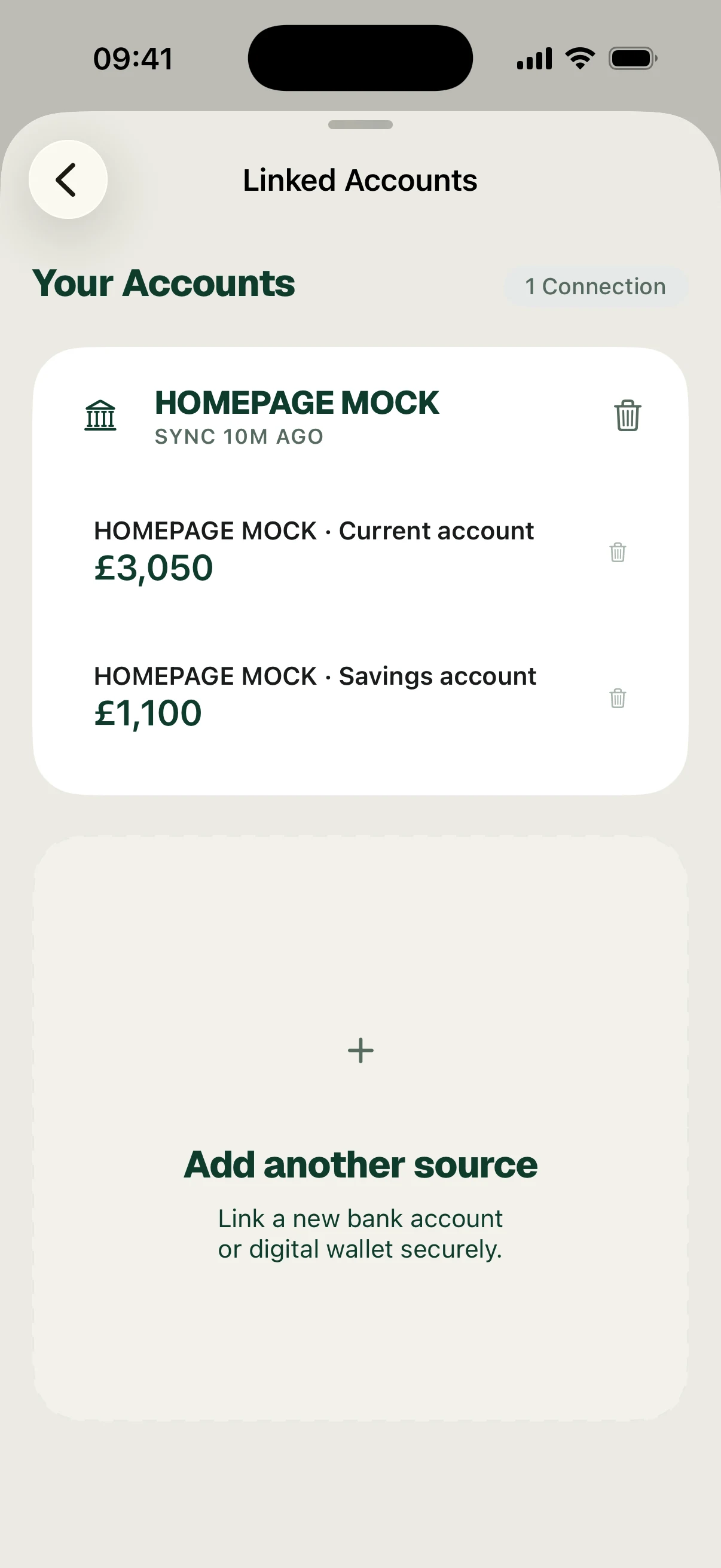
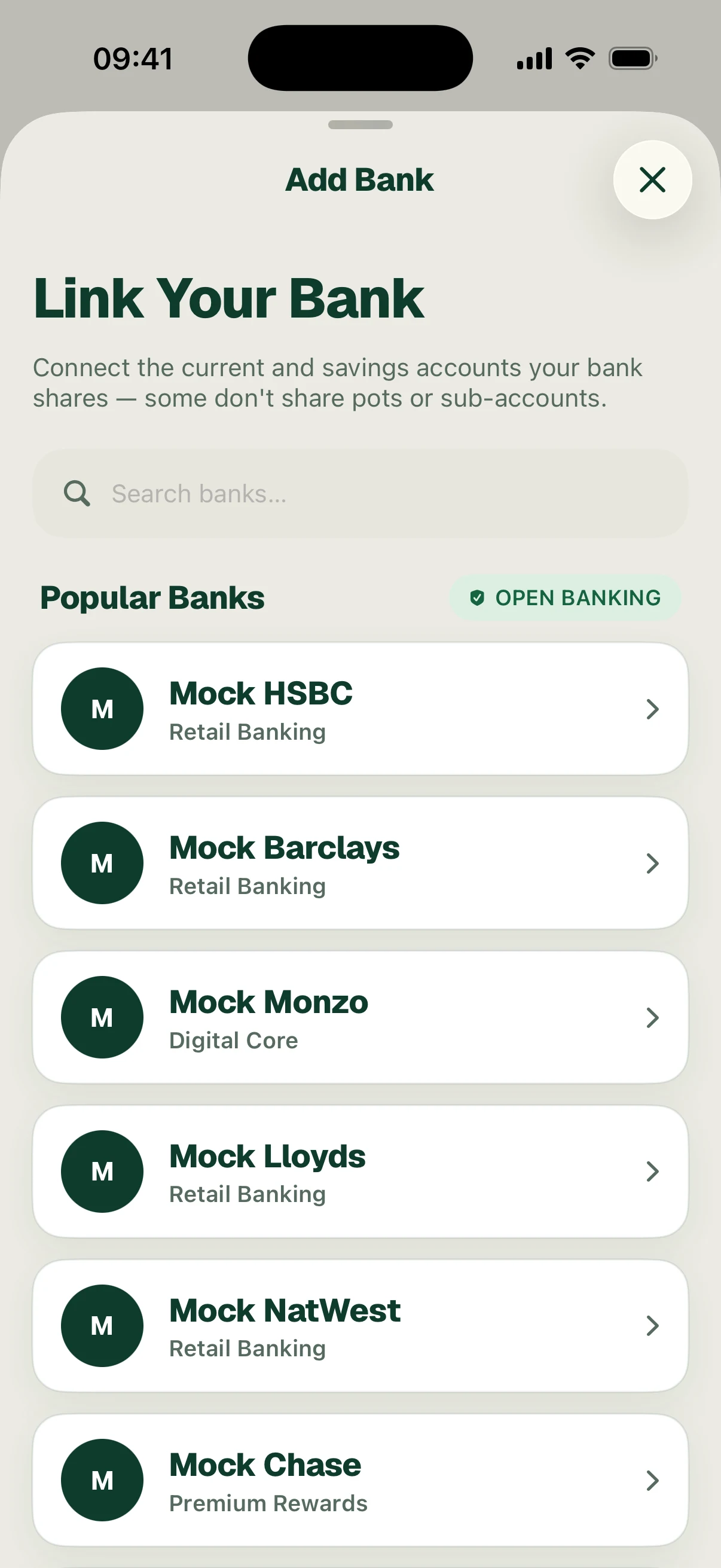
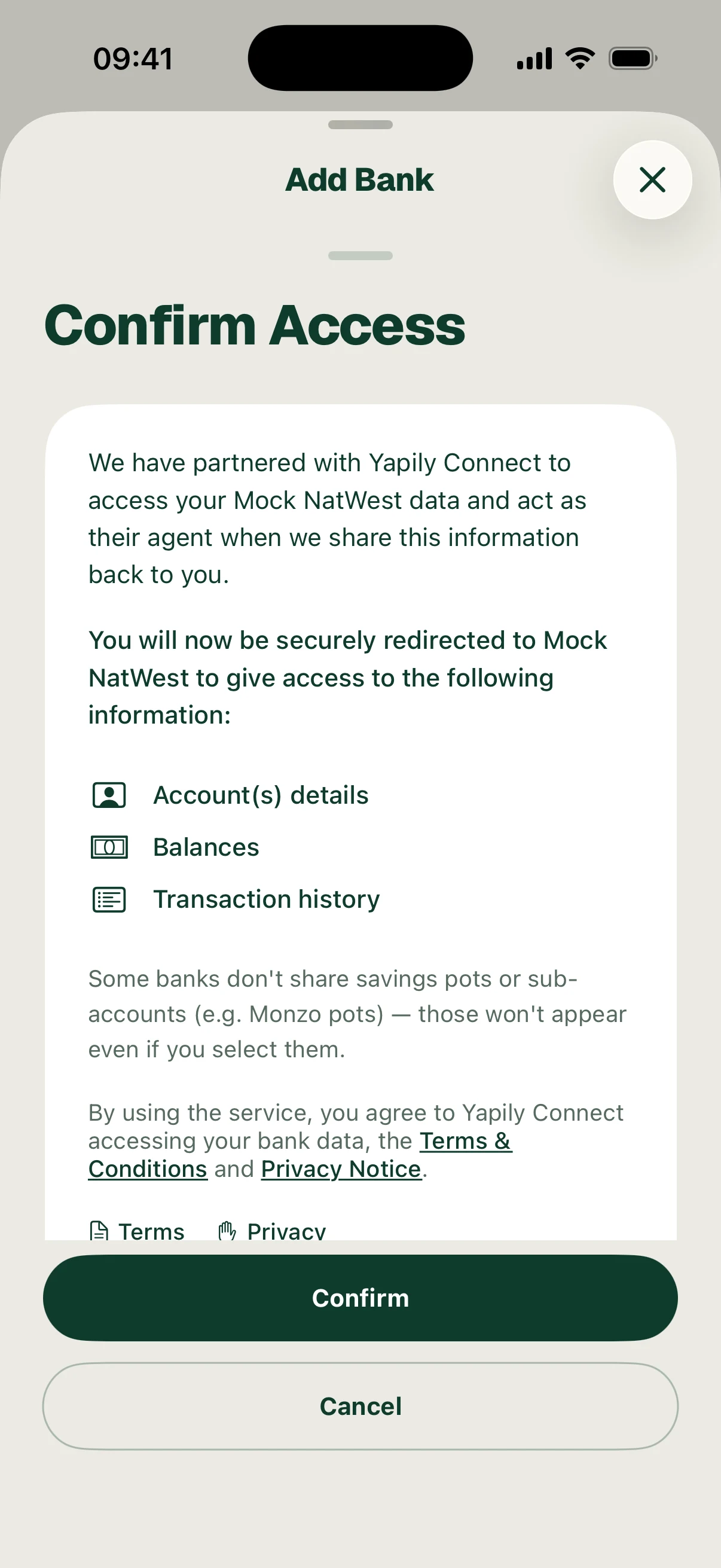
Open Settings, open your connected banks and choose the option to add a bank. Find the bank, review the access information, authorise the connection with your bank and return to Surplus for the sync.
Adding a new bank resets your existing Surplus plan so you can review it with the new accounts included. It does not delete all the transactions already imported from your other banks.
The reset clears the previous plan’s review and reconciliation history, spending targets and their tracking, and plan overrides. Budget-linked debt overpayments are reset too. Surplus attempts to carry your latest confirmed setup into the new draft; review all the inputs and confirm the plan again. Connecting all your banks before setting up Surplus reduces repeated setup.
Reauthorising an existing connection is a separate action. Disconnecting your last bank is also different: that action performs a full data reset. Read its warning before proceeding.
Follow the screens