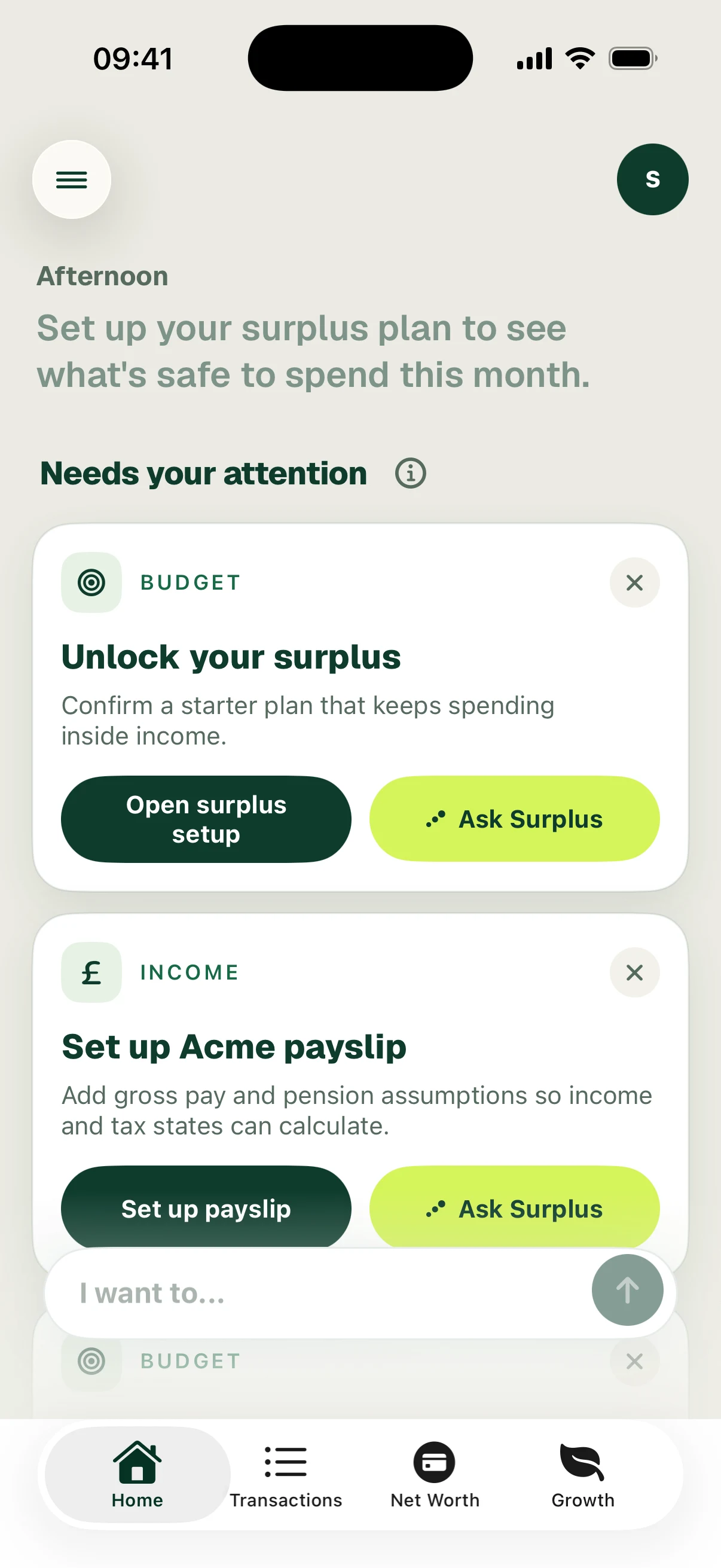
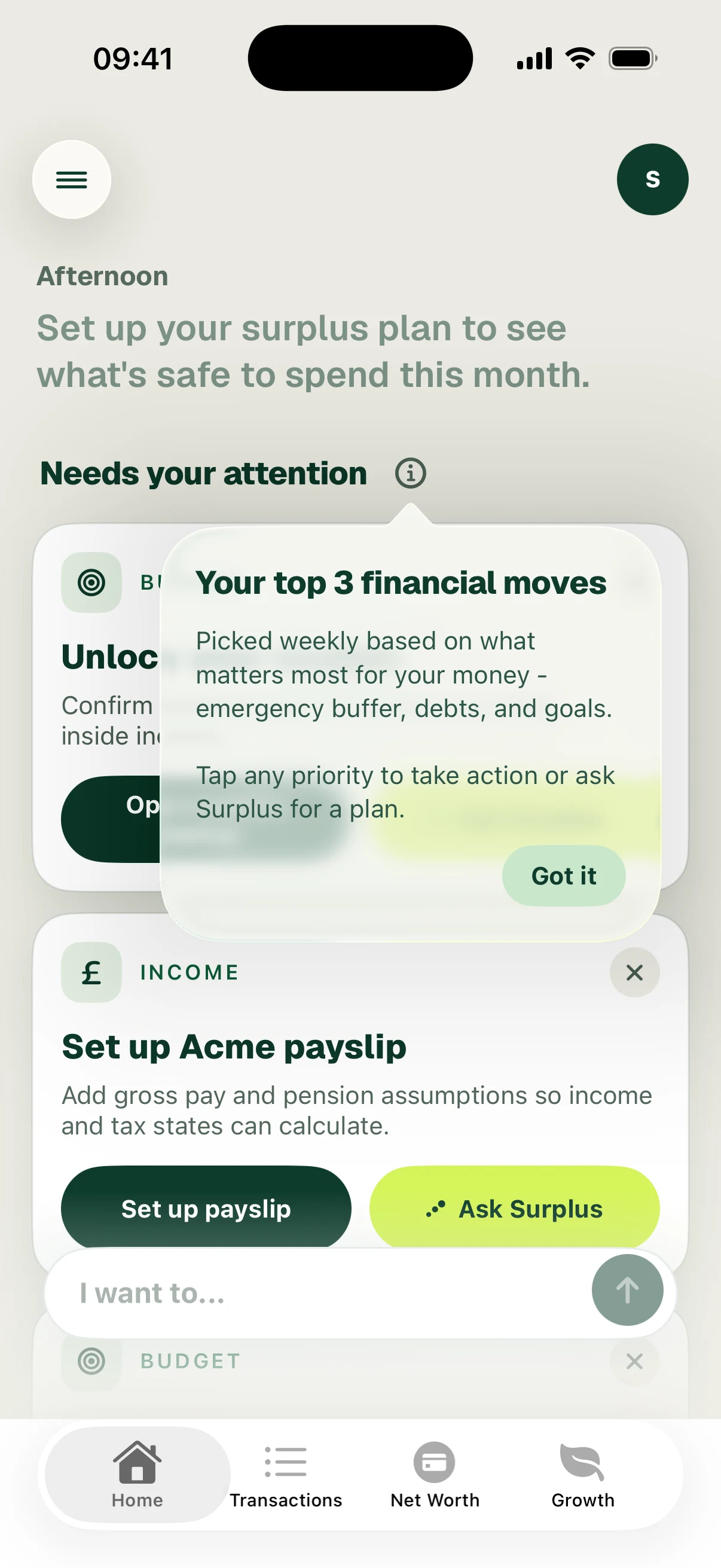
Needs your attention
Read guidance cards, open their actions and decide what to review next.
Screenshots use fictional accounts and example amounts. Select any image to open it full size.
How it works
On Home, look below your safe-to-spend summary for Needs your attention. Each card explains something to review and offers a relevant action. The cards change as your financial information and setup change.
Read the card, then use its action button to open the relevant screen. Ask Surplus opens a conversation about that item. The information button beside the section explains its purpose. Use the close control to dismiss a card you do not want to keep on Home; dismissing a card does not itself complete the suggested financial action.
The example starts with Unlock your surplus. Later, a Cap Dining Out in September card opens a spending target. Complete the underlying action, then review the updated Home view.
See spending targets and levers for the Dining Out card and its setup walkthrough.
Follow the screens